
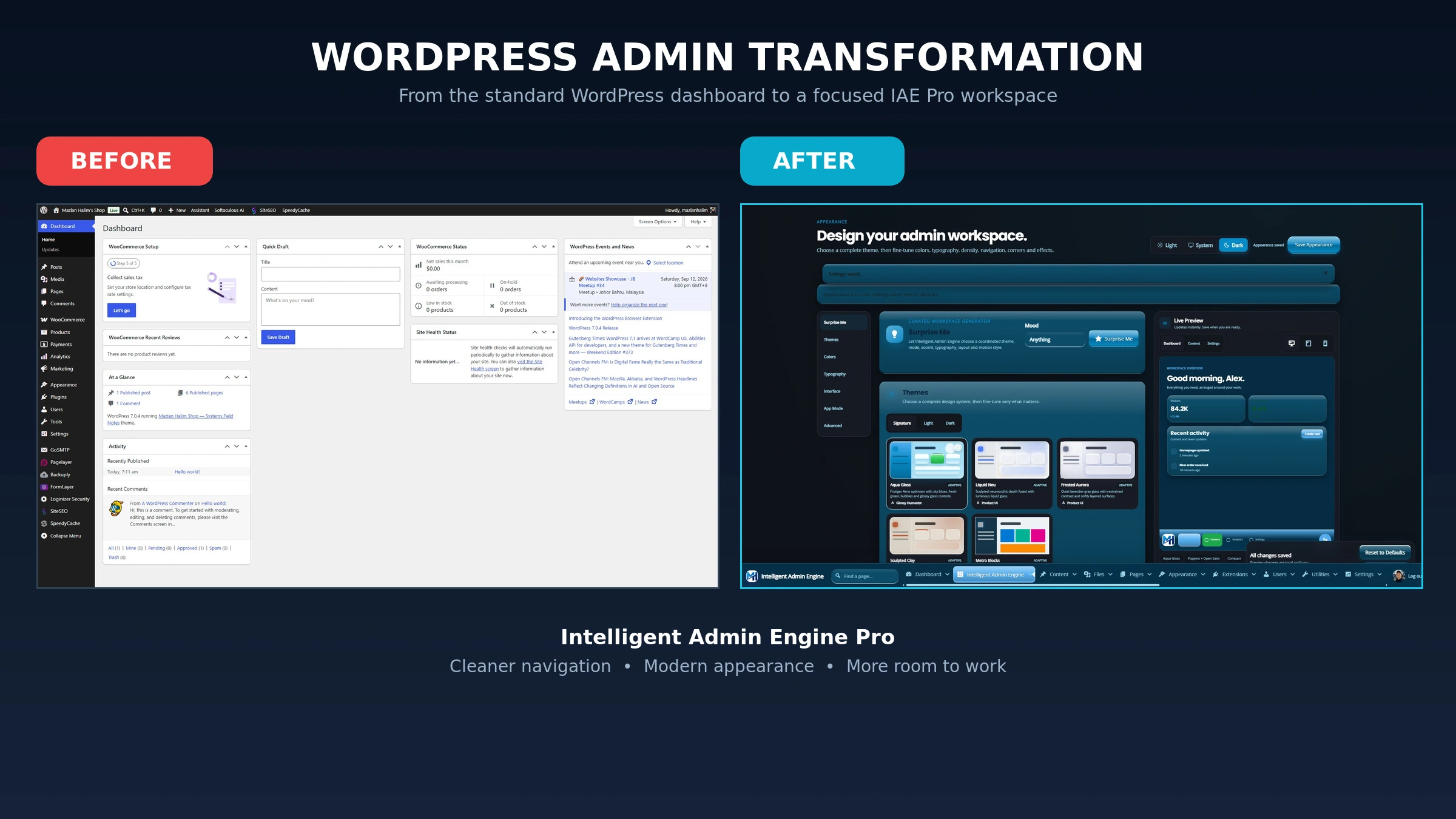
WordPress Admin
WordPress is powerful, flexible and familiar to millions of users. But its administration area still looks and feels like a traditional website backend.
That may be acceptable when you manage your own website. It becomes a bigger problem when clients, employees or store teams need to use the dashboard every day.
Crowded menus, technical labels and inconsistent plugin screens can make WordPress feel more complicated than it really is.
This is the problem Intelligent Admin Engine Pro was created to solve.
The WordPress Dashboard Is Part of the User Experience
A website’s design does not stop at the public-facing pages.
For clients and team members, the WordPress dashboard is where much of the real work happens:
- Publishing and updating content
- Managing WooCommerce orders
- Adding products
- Reviewing enquiries
- Checking reports
- Maintaining website settings
If that environment feels cluttered or confusing, it affects productivity and the overall impression of the website.
A professionally branded dashboard creates a more complete experience. It makes the website feel like a purpose-built business system instead of a collection of WordPress screens.
What Is Intelligent Admin Engine Pro?
Intelligent Admin Engine Pro, or IAE Pro, is a WordPress plugin that transforms the standard administration area into a modern, responsive workspace.
It brings together visual customization, menu management, white-label branding and interface improvements without requiring custom CSS.
The plugin only changes the WordPress administration and login experience. It does not redesign or interfere with the public-facing website.
Apply a Complete Admin Design in One Click
Instead of adjusting individual colours and interface elements manually, IAE Pro provides coordinated signature themes.
Each theme combines:
- Colours and gradients
- Typography
- Navigation styling
- Card surfaces
- Shadows
- Buttons and controls
- Interface spacing
Available visual directions include themes such as Aqua Gloss, Frosted Aurora and Metro Blocks.
You can use a complete theme immediately and then fine-tune it to match your brand or working preferences.
Choose Light, Dark or System Mode
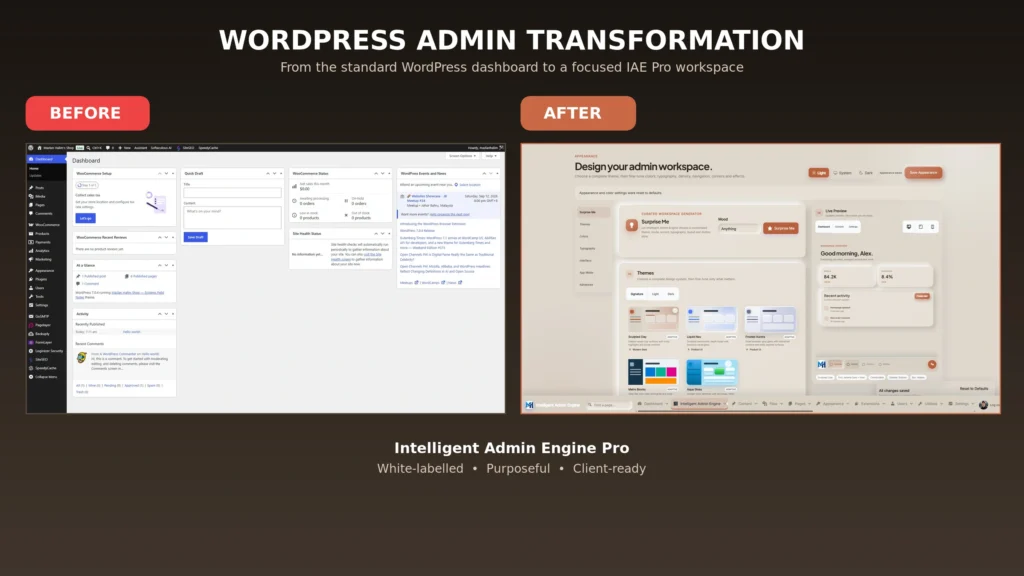
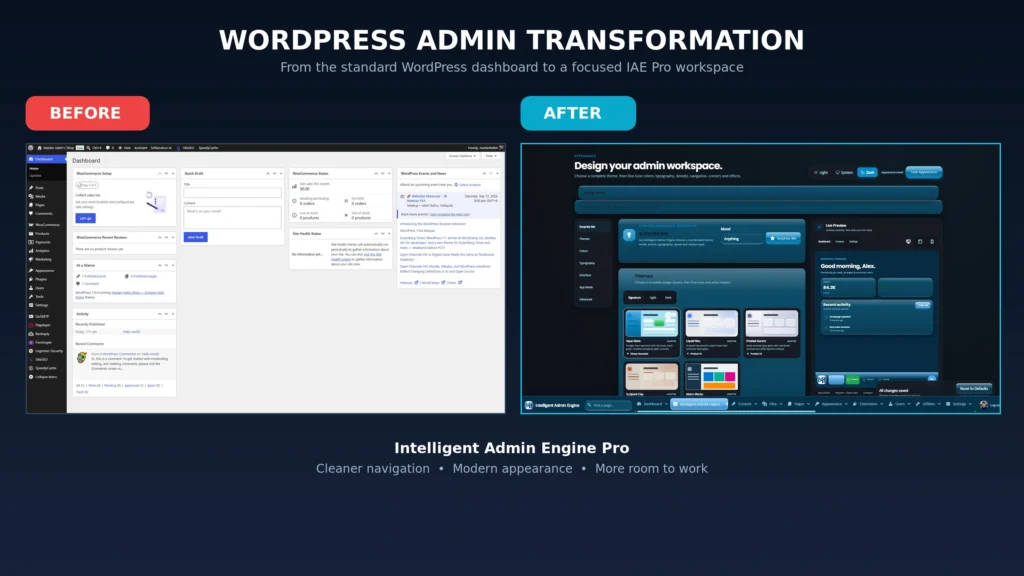
Different users have different preferences, especially when working for long periods.
IAE Pro supports:
- Light mode
- Dark mode
- Automatic system mode
The appearance controls also allow you to adjust backgrounds, transparency, typography, interface density, corner styles and navigation behaviour.
A live preview lets you review the changes before saving them.
Simplify WordPress With a Visual Menu Builder
The default WordPress menu can become crowded as more plugins are installed.
Clients may see technical settings they never need while important pages become harder to find.
IAE Pro’s visual menu builder allows you to:
- Rename menu items
- Reorder important sections
- Group related tools
- Remove unnecessary distractions
- Create cleaner role-focused navigation
This can reduce training time because users see a workspace organised around their responsibilities rather than WordPress’s default structure.
Make WordPress Feel Like an Application With App Mode
App Mode reduces the visual clutter normally associated with wp-admin.
It moves navigation out of the way, streamlines the toolbar and gives dashboards, editors and reports more room to breathe.
This is especially useful for:
- Client portals
- WooCommerce management
- Internal business systems
- Content operations
- Custom WordPress applications
The result feels closer to a modern SaaS application while retaining the flexibility of WordPress underneath.
Deliver a Fully Branded Client Experience
Handing a client an unmodified WordPress dashboard can make an otherwise custom website feel unfinished.
IAE Pro allows agencies and freelancers to replace WordPress-facing identity with their own branding or the client’s brand.
You can customise the dashboard and login experience with your own logo, colours and visual style.
This creates a consistent journey from the login screen to the main workspace and helps reinforce trust in the service you provide.
Designed for Desktop and Mobile Work
Website management no longer happens exclusively from a desktop computer.
IAE Pro uses a responsive, touch-friendly interface so administrators can manage content, orders and other important tasks from smaller screens.
It does not turn every complex WordPress plugin into a perfect mobile application, but it provides a cleaner foundation for managing WordPress while away from a desk.
Who Is IAE Pro For?
WordPress agencies and freelancers
Deliver a more polished dashboard as part of your website development or maintenance service.
WooCommerce teams
Make products, orders, customers and reports easier to reach from desktop or mobile.
Businesses with content teams
Reduce confusion with clearer terminology, purposeful menus and a calmer working environment.
Client portal developers
Create a backend that feels connected to the product instead of exposing users to a generic WordPress interface.
A Better Backend Makes WordPress Easier to Use
Changing the admin design is not just about making WordPress look nicer.
A well-organised workspace can help users find important screens faster, reduce interface fatigue and make client training easier.
It also changes how clients perceive the system you have delivered.
Instead of seeing “just another WordPress website,” they experience a focused and branded platform built around their work.
Upgrade the Place Where the Work Happens
The WordPress dashboard is where your team and clients manage the website after it has been launched. It deserves the same level of attention as the public-facing design.
Intelligent Admin Engine Pro gives WordPress a cleaner, faster and more professional administration experience without requiring you to rebuild the platform.
Explore Intelligent Admin Engine Pro and turn wp-admin into a workspace your clients and team will enjoy using.
Love it, share it!