
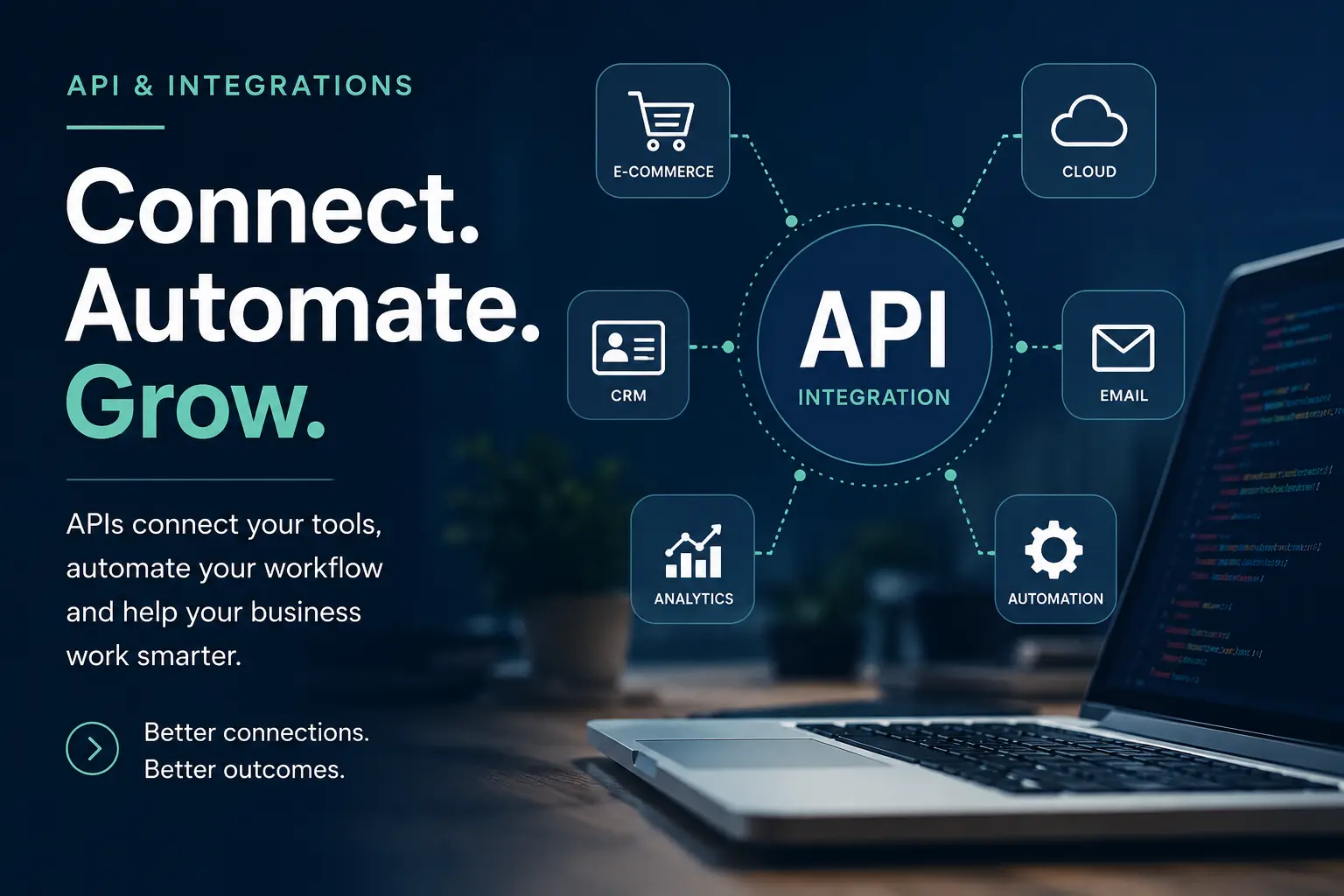
Your Website May Be Losing Time and Enquiries Because Your Systems Are Not Connected
Your website may be working properly.
The contact form submits. Customers can place an order. Payments go through. Staff receive email notifications.
But what happens after that?
Someone may still need to copy the customer’s details into a spreadsheet. Another person may enter the same information into a CRM. Payment records may need to be checked manually. Staff may need to send updates one by one.
The website is working, but the whole process behind it is not connected.
This creates repeated work, slower responses and more opportunities for mistakes.
It may also mean that potential customers are waiting while your team tries to move information between systems manually.
The problem is often not the website itself.
The problem is that the website and the other business tools do not communicate with each other.
What is an API?
API stands for Application Programming Interface.
That sounds technical, but the basic idea is simple.
An API allows two systems to exchange information without someone copying it manually.
For example, when a customer submits a form on your website, an API can send that information directly to your customer-management system.
When someone makes a payment, an API can update the order, create a receipt and notify the correct person.
When an appointment is booked, an API can add it to a calendar and send a confirmation message.
The customer completes one action, and the connected systems handle the next steps automatically.
Small manual tasks can become a serious business problem
Copying information from one system to another may only take a few minutes.
That does not sound serious.
But when the same task happens repeatedly, the time adds up.
Imagine that your staff need to process 20 enquiries every day.
For every enquiry, they may need to:
- Read the email.
- Copy the customer details.
- Open a spreadsheet.
- Create a new row.
- Inform another staff member.
- Send a confirmation message.
- Create a follow-up reminder.
Even if this takes only five minutes, that is more than eight hours of repeated work every week.
The bigger concern is not only the time.
Manual work can also lead to:
- Missed enquiries
- Incorrect customer details
- Duplicate records
- Slow follow-up
- Forgotten tasks
- Payment confusion
- Staff blaming each other
- Customers receiving inconsistent information
These problems can continue quietly because each individual mistake seems small.
Over time, they affect customer trust and make the business harder to manage.
Warning signs that your systems need to be connected
1. Staff repeatedly copy and paste information
This is one of the clearest signs.
Information is entered on the website, then copied into another system, spreadsheet or document.
The same customer details may be typed several times.
Every repeated entry increases the possibility of a mistake.
A connected workflow can move the information automatically and allow staff to review it instead of entering it again.
2. Website enquiries depend entirely on email
Email is useful, but it is not always a good enquiry-management system.
Messages can be:
- Missed
- Sent to spam
- Forwarded to the wrong person
- Forgotten after being opened
- Difficult to track
- Mixed together with unrelated emails
A website enquiry can be sent automatically to a CRM, spreadsheet, internal dashboard or task-management system.
It can also be assigned to the correct person based on the type of enquiry.
This makes it easier to see what has been answered and what still needs attention.
3. Customers wait because staff must check several systems
A customer asks about an order.
The staff member checks the website, payment gateway, courier system and spreadsheet before replying.
This takes time and may require help from another person.
When systems are properly connected, the important information can be shown in one place.
Staff can respond with more confidence instead of searching through several accounts.
4. Payment information does not match the website records
Payment integrations are especially important.
A customer may complete payment, but the website does not update correctly.
The business may receive the money while the order remains marked as unpaid.
In other cases, the website may record an order while the payment was unsuccessful.
These situations create confusion for both the customer and the business.
A properly tested payment integration should handle:
- Successful payments
- Failed payments
- Cancelled payments
- Duplicate notifications
- Delayed responses
- Refunds where applicable
- Order-status updates
It should also record enough information to help investigate when something goes wrong.
5. Your business depends on one person who understands the process
Sometimes only one employee knows how information moves through the business.
That person knows which spreadsheet to open, which email to forward and which system to update.
When that person is unavailable, the process slows down or stops.
A clearer and more automated workflow reduces this dependence.
The process becomes part of the system rather than remaining only in one person’s memory.
6. You export and import files regularly
Downloading a CSV file and uploading it into another platform may be acceptable occasionally.
It becomes a problem when it must be done every day or every week.
Regular exports and imports can cause:
- Old information being uploaded
- Duplicate records
- Missing columns
- Formatting problems
- Accidental overwriting
- Unclear responsibility
An API integration can sometimes move only the required information at the correct time.
This reduces repeated file handling and gives the business more current data.
7. Your tools are useful individually but difficult to manage together
Your website, CRM, email platform, accounting system and payment gateway may all work well on their own.
The frustration begins when they do not share information.
Your team ends up filling the gaps manually.
This is common because businesses often add tools gradually.
One platform is introduced for marketing. Another is added for payments. A spreadsheet remains because it contains old records.
Eventually, the business has several useful tools but no clear connection between them.
Common website integrations
API integration can be used in many practical ways.
Website forms and CRM systems
A customer submits an enquiry through the website.
The integration can:
- Create a lead
- Store the customer’s details
- Record the requested service
- Assign the enquiry
- Send an acknowledgement
- Create a follow-up task
The staff member receives organised information instead of a basic email.
Payment gateway integration
A customer completes payment.
The website can then:
- Confirm the transaction
- Update the order status
- Record the payment reference
- Send a receipt
- Notify the business
- Allow access to a product or service
The exact workflow depends on the payment provider and website.
WordPress and external systems
WordPress can be connected to:
- CRM platforms
- Payment gateways
- Membership systems
- Google Sheets
- Accounting tools
- Email marketing services
- Booking platforms
- Inventory systems
- WhatsApp services
- Custom business applications
Sometimes an existing plugin is enough.
Other projects require a custom plugin or direct API development.
The correct solution depends on how much control, security and reliability the business needs.
Ecommerce and inventory
An online store may need to exchange information with an inventory or fulfilment system.
The integration may update:
- Product quantities
- Orders
- Shipping details
- Customer records
- Delivery status
- Refund information
Without this connection, the website may show products that are no longer available or staff may need to update stock manually.
Google Workspace and spreadsheets
Google Sheets is often used as a simple business database.
A website can send selected information into a spreadsheet automatically.
This can be useful for:
- Enquiries
- Applications
- Registrations
- Event attendance
- Donation records
- Internal tracking
However, spreadsheets also have limitations.
As the process becomes larger, a proper database or business system may be more suitable.
WhatsApp and messaging services
Website actions can sometimes trigger WhatsApp or messaging notifications.
Possible uses include:
- Appointment reminders
- Order updates
- Enquiry acknowledgements
- Internal staff notifications
- Follow-up reminders
Messaging integrations must be planned carefully.
A business should avoid sending excessive or unwanted messages. The system should also follow the rules of the selected messaging provider.
A poor integration can create a bigger problem
Connecting systems is useful, but it must be done properly.
A rushed integration can lead to:
- Duplicate customer records
- Incorrect payment updates
- Missing information
- Security risks
- Unclear error messages
- Failed automation that nobody notices
- One system overwriting another
- Private information being sent to the wrong place
This is why integration work should include more than connecting two endpoints and assuming everything will work.
A reliable integration needs to consider:
- What information is sent
- When it is sent
- Which system is the main source
- What happens if the connection fails
- How errors are recorded
- Whether the action can be repeated safely
- Who is allowed to access the information
- How sensitive data is protected
These questions may not be visible to the customer, but they matter.
The integration must continue working when something unexpected happens.
Not every problem requires custom API development
Sometimes an existing plugin or automation tool can solve the problem.
That may be the fastest and most affordable option.
In other cases, an off-the-shelf tool creates new limitations.
For example:
- It may not support the required fields
- It may send information in the wrong format
- It may not handle errors properly
- It may charge based on every action
- It may not support the existing website
- It may expose more information than necessary
- It may stop working when the provider changes its rules
I normally review the available options before recommending custom development.
The aim is not to build the most complicated solution.
The aim is to create a dependable workflow that solves the actual business problem.
How I approach an API integration project
1. Understand the current process
I first look at what happens now.
Where does the information begin? Who handles it? Which systems are involved? Where do delays or mistakes happen?
This is important because automating a confusing process can make the confusion move faster.
2. Identify the systems and requirements
I review the website, platforms and available API documentation.
I also check:
- Authentication requirements
- Available data
- Usage limits
- Webhook support
- Testing environments
- Security requirements
- Third-party charges
Some platforms provide excellent documentation.
Others may have limited or outdated integration options.
That affects the recommended approach.
3. Design the information flow
Before development, the flow should be clear.
For example:
Website form
→ Validate customer information
→ Create CRM record
→ Send confirmation email
→ Notify the assigned staff member
→ Record the result
The business should know what happens at every stage.
4. Build and test the connection
The integration is tested using realistic situations.
This includes successful actions and failures.
For example:
- What happens when required information is missing?
- What happens when the external service is unavailable?
- What happens when the same notification is received twice?
- What happens when authentication expires?
Testing failures is just as important as testing successful transactions.
5. Monitor and improve
External systems change.
APIs may introduce new versions, security rules or limits.
A business-critical integration should be monitored and maintained rather than forgotten after launch.
What a well-connected business can look like
Imagine a customer submits an enquiry.
The information is checked and added to the correct system.
The customer immediately receives a clear acknowledgement.
The correct staff member is notified.
A follow-up task is created.
The business can see the status without searching through emails.
Nobody needs to copy the same details several times.
The customer receives a faster response and the staff have a clearer process.
That is the real value of integration.
It is not about using more technology.
It is about removing unnecessary work and making existing technology more useful.
The positive outcome is more than saved time
A good integration can give a business:
- Faster customer responses
- Fewer manual mistakes
- More accurate records
- Clearer responsibility
- Better reporting
- Less dependence on individual staff members
- More confidence in the business process
- A stronger foundation for future automation
It also makes growth more manageable.
When enquiry volume increases, the business does not need to increase manual administration at exactly the same rate.
Staff can focus more on customers, decisions and work that requires human attention.
Do not wait until the manual process becomes unmanageable
A disconnected process may be tolerable when the business receives five enquiries per week.
It becomes much harder when that grows to 50 or 500.
By that stage, the business may already have years of duplicate records, inconsistent spreadsheets and unclear processes.
You do not need to automate everything immediately.
Start with the part that causes the most repeated work or the greatest risk.
One properly planned integration can remove several unnecessary steps.
Does your website need an API integration?
You may benefit from an integration review when:
- Staff copy information between systems
- Enquiries are regularly missed
- Customers wait too long for updates
- Payment information must be checked manually
- Several tools contain different versions of the same record
- Your business depends heavily on spreadsheets
- Your website cannot communicate with an important platform
- You are unsure whether to use a plugin, automation tool or custom integration
You do not need to know the technical solution before contacting me.
Tell me what happens now, what is frustrating your team and what you want the process to achieve.
I can review the workflow and help you determine whether an existing tool, a simple automation or a custom API integration is the most practical option.
Connect the systems your business already uses
Your website should not create more administrative work.
It should help information move to the right place and make the next action clearer.
I help businesses connect websites, WordPress, payment gateways, CRMs, Google services, messaging platforms and custom systems.
After reviewing the requirements, I can explain:
- What can be connected
- What information can be exchanged
- Where the risks are
- Whether an existing solution is available
- Whether custom development is justified
- What the likely scope and cost will be
You do not have to keep relying on copying, pasting and hoping nothing is missed.
Message Me on WhatsApp Email Mazlan Love it, share it!