Your website is online.
The homepage opens. The menu works. The contact form appears normal.
So it is easy to assume that nothing needs to be done.
But websites rarely stay in the same condition forever.
Software changes. Hosting environments change. Security threats change. Browsers and mobile devices change. Business information becomes outdated. Forms can stop delivering emails without showing an obvious error.
A website can look completely fine while small problems build quietly in the background.
The real question is not only whether your website is working today.
It is whether someone is checking that it continues to work tomorrow.
Most website problems do not begin as emergencies
A serious website failure often starts with something small.
A plugin is not updated.
A backup has not run properly.
A form email is blocked.
An SSL certificate is close to expiring.
An old page contains information that is no longer correct.
A mobile-layout problem appears after a browser update.
None of these may seem urgent at first.
Then one day:
- The website shows an error
- Customers cannot submit an enquiry
- An important page disappears
- The browser displays a security warning
- The website becomes extremely slow
- The administrator cannot log in
- The website is redirected to an unknown page
- The hosting account is suspended
- A domain expires
- The business discovers that backups are incomplete
At that point, maintenance becomes emergency recovery.
Emergency work is usually more stressful and more expensive than routine care.
Your website is part of your business
For many organisations, the website is not just an online brochure.
It may be responsible for:
- Receiving customer enquiries
- Showing current services
- Accepting bookings
- Processing orders
- Collecting applications
- Publishing important announcements
- Sharing product information
- Receiving donations
- Providing contact details
- Building trust before someone contacts the business
When the website fails, the effect may not be obvious immediately.
A visitor does not normally report that the form did not work.
They simply leave.
A potential customer may assume the business is inactive.
A broken page may make the organisation look careless.
An expired SSL certificate may cause the visitor to believe the website is unsafe.
The lost opportunity remains invisible because you never receive the enquiry.
What is website maintenance?
Website maintenance means regularly checking, updating and supporting a website so it continues to operate properly.
The exact work depends on how the website was built.
A WordPress website requires different care from a static HTML website.
An ecommerce website needs more attention than a small five-page company website.
A membership portal has different risks from a simple brochure site.
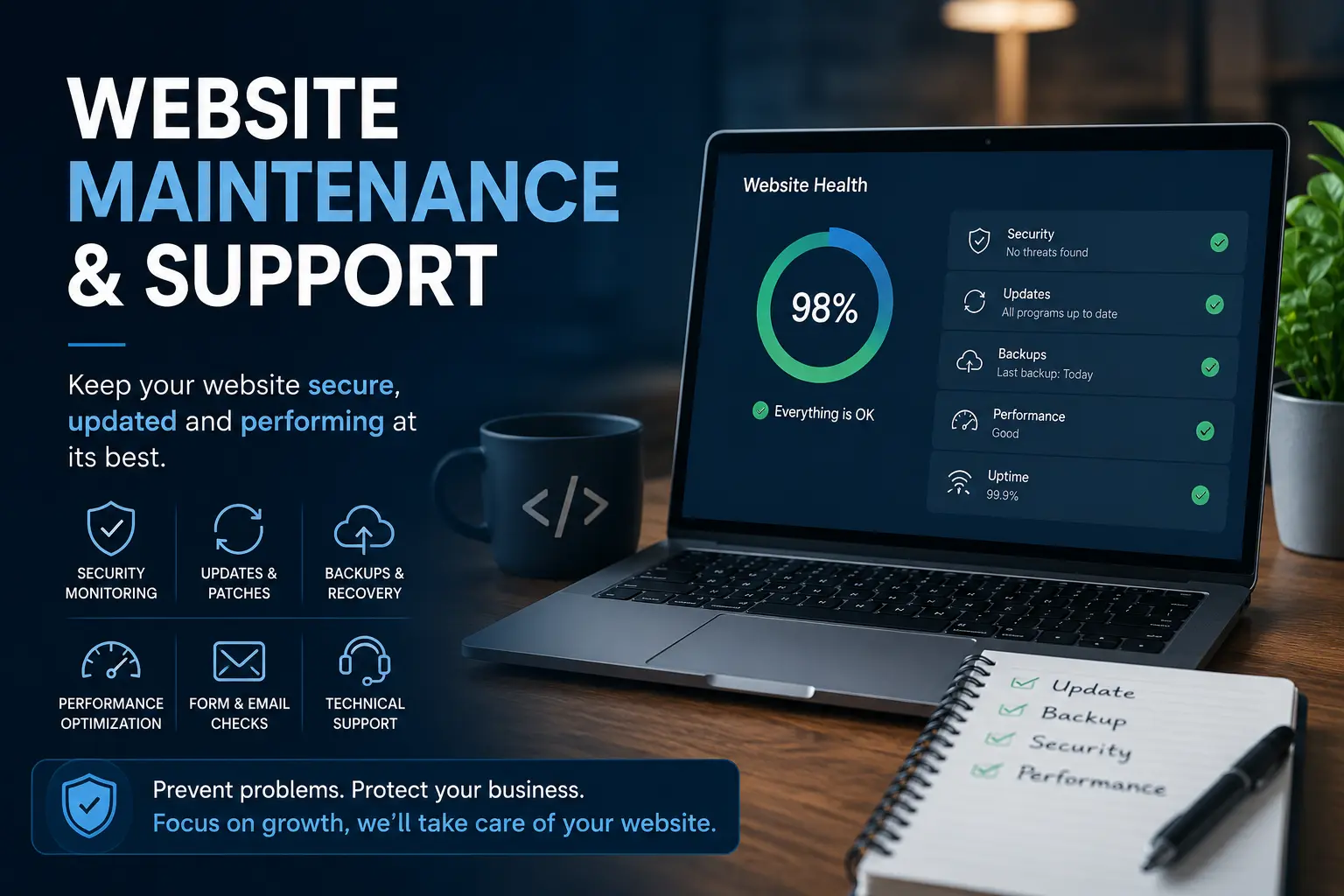
Website maintenance may include:
- Software updates
- Backups
- Security checks
- Uptime checks
- Form testing
- Broken-link checks
- Content changes
- Speed checks
- Mobile testing
- SSL monitoring
- Hosting support
- Domain and DNS assistance
- Error investigation
- Recovery planning
It is not only about updating plugins.
The website, hosting, forms, domain, email delivery and security setup all need to work together.
WordPress websites need ongoing care
WordPress is flexible because it uses themes and plugins to add features.
That flexibility also means several parts of the website can change independently.
A typical WordPress website may depend on:
- WordPress core
- A theme
- A page builder
- Several plugins
- PHP
- A database
- Hosting settings
- Third-party services
- Email delivery
- Payment gateways
- Custom code
An update to one part may affect another.
For example:
- A plugin update may conflict with the theme
- A PHP upgrade may break older code
- A form plugin may stop sending email
- A security plugin may block a legitimate user
- A page builder update may change the layout
- A payment integration may stop working after an API change
This does not mean updates should be avoided.
Outdated software creates its own security and compatibility risks.
The correct approach is to handle updates carefully, especially when the website contains older themes, custom code or important business functions.
Static websites also need support
A static website is normally built using HTML, CSS and JavaScript without a WordPress dashboard.
It may require fewer software updates, but that does not mean it needs no maintenance.
Static website support may involve:
- Changing text or images
- Adding new pages
- Fixing broken links
- Updating contact details
- Repairing mobile-layout problems
- Troubleshooting contact forms
- Improving page speed
- Updating analytics
- Checking SSL certificates
- Managing hosting and DNS
- Creating backup copies
- Migrating the website
- Updating security headers
A static website can be very reliable.
However, changes usually require someone who can work directly with the website files.
If the original developer is no longer available, even a simple text change can become difficult for the business owner.
Warning signs your website needs attention
1. Nobody remembers when it was last updated
This is common.
The website was launched several years ago and has remained untouched since then.
The business may have changed its services, staff, pricing, contact details or operating hours, but the website still presents the old information.
Outdated content creates confusion.
It can also make visitors wonder whether the business is still active.
2. The website has not been backed up recently
A backup is useful only when it:
- Exists
- Is recent
- Contains the complete website
- Can be restored
- Is stored somewhere safe
Some hosting accounts create automatic backups, but business owners often do not know how long they are retained or whether they include everything.
Discovering that a backup is missing after the website has failed is too late.
3. The contact form has not been tested
A form can display a success message even when the email is never delivered.
Email providers may block messages because of:
- Incorrect server settings
- Spam filtering
- Missing email authentication
- Hosting restrictions
- Plugin conflicts
- Changed recipient addresses
You may believe that nobody is contacting the business.
The truth may be that the website is losing the enquiries.
Forms should be tested periodically from beginning to end.
4. WordPress shows many pending updates
A long list of pending updates usually means the website has not been maintained consistently.
Updating everything at once can be risky, especially on an older website.
Before making changes, it may be necessary to:
- Create a backup
- Review compatibility
- Check the PHP version
- Test important features
- Use a staging copy
- Update in a controlled order
Ignoring updates forever is not safe.
Updating carelessly is not safe either.
5. The website is becoming slower
Website speed can decline gradually.
New plugins may be added. Images may be uploaded without compression. The database may accumulate unnecessary information. Hosting performance may decline.
Visitors notice slowness before the website owner does because the owner may view the website using a fast connection or cached browser.
A slow website can reduce enquiries and make the business appear less reliable.
6. The website looks wrong on mobile
A website may look acceptable on a desktop computer but have problems on smaller screens.
Common issues include:
- Text that is too small
- Buttons that are difficult to press
- Images overflowing the page
- Menus that do not open
- Forms that are hard to complete
- Pop-ups covering the content
- Sections with excessive spacing
- Horizontal scrolling
Mobile problems are particularly serious because many visitors will never view the desktop version.
7. You do not know who controls the domain and hosting
This is a business risk.
The domain may be registered under a former employee, old agency or developer.
The hosting renewal may go to an email address nobody checks.
The business may not know:
- Where the domain is registered
- When it expires
- Who has login access
- Where the website files are hosted
- Where backups are stored
- Who controls the DNS
- Which email account receives renewal notices
A website care review should include these basic ownership and access questions.
8. The original developer is no longer available
This happens frequently.
The developer may have changed careers, stopped freelancing, closed the agency or simply become unresponsive.
The website continues running, but nobody knows how it was built.
You may not have:
- Administrator access
- Hosting access
- Source files
- Licence details
- Documentation
- Backup information
This does not always mean the website must be rebuilt.
It does mean someone should review the setup before a serious problem occurs.
Website maintenance is not the same as unlimited website work
This is important for both the client and the person providing support.
Maintenance usually covers agreed website care and minor support.
It does not automatically include:
- Complete website redesigns
- New custom features
- Custom plugin development
- Large content-entry projects
- Copywriting
- Full SEO campaigns
- Paid software licences
- Hosting fees
- Third-party subscriptions
- Unlimited changes
- Emergency recovery from old unresolved problems
Larger changes should be assessed and quoted separately.
Clear boundaries prevent misunderstandings.
They also allow the maintenance work to remain focused on keeping the website stable and useful.
One-off support or an ongoing care plan?
Not every website needs monthly maintenance.
The right option depends on the website and how important it is to the organisation.
One-off website support
This may be suitable when you have one specific problem, such as:
- A broken form
- A WordPress error
- A content update
- An SSL warning
- A domain or DNS issue
- A website migration
- A mobile-display problem
- A slow page
- A failed plugin update
The problem is reviewed, the likely cause is identified and the required work is discussed.
Static website care
This may be suitable for a brochure website that does not use WordPress.
The service may include:
- Routine checks
- Minor content changes
- Form testing
- Link checking
- Backup copies
- Hosting and SSL checks
- Priority support
WordPress care
This may be suitable when the website supports active business operations.
The service may include:
- WordPress updates
- Theme and plugin updates
- Backups
- Security checks
- Uptime monitoring
- Form testing
- Performance checks
- Minor content support
- Troubleshooting
- Maintenance summaries
The final scope should reflect the actual condition and importance of the website.
Every care plan should begin with a review
It is not reasonable to take over a neglected website and immediately treat it as a normal maintenance account.
The website may already contain:
- Outdated plugins
- Malware
- Broken functionality
- Abandoned software
- Missing backups
- Hosting problems
- Custom code
- Expired licences
- Incorrect ownership details
These problems should be identified first.
My normal approach is:
1. Review the website
I check how the website is built and what systems it depends on.
2. Identify existing risks
I look for outdated software, missing backups, security concerns and broken features.
3. Recommend the right support option
The website may need one-off repairs, initial stabilisation or ongoing care.
4. Fix serious existing problems
Older unresolved issues may need to be handled separately before routine maintenance starts.
5. Begin ongoing care
Once the website is stable, the agreed maintenance work can begin.
This protects both sides.
The client understands the website’s actual condition, and I do not pretend that years of accumulated problems can be covered under a small monthly fee.
What changes when a website is properly maintained?
The benefit is not only that software gets updated.
A properly maintained website gives the business more confidence.
You know:
- Backups are being considered
- Forms are being checked
- Important updates are not being ignored
- Problems have someone responsible for investigating them
- Content can be corrected
- Hosting and domain issues can be reviewed
- The website has a clearer recovery path
- Small problems are more likely to be noticed early
The website becomes less of an unknown risk.
It becomes a managed business asset.
A positive future does not mean zero risk
No responsible provider can promise that a website will never break, be hacked or experience downtime.
Technology does not work that way.
Maintenance reduces avoidable risks and improves the ability to respond.
A current backup does not prevent every problem, but it can make recovery possible.
Security checks do not guarantee that an attack will never happen, but they can reduce exposure.
Monitoring does not prevent all downtime, but it helps someone notice when the website becomes unavailable.
The goal is not to pretend that risk has disappeared.
The goal is to manage it properly.
Why work with me?
I have worked with websites, WordPress, hosting, servers and online systems since 2009.
My experience includes:
- WordPress development
- Static HTML and CSS websites
- Themes and plugins
- Website hosting
- Domains and DNS
- SSL certificates
- Contact forms
- Website migrations
- Performance problems
- Technical SEO
- API integrations
- Website troubleshooting
I do more than update plugins.
I look at the website, hosting, forms, security and technical setup together.
When something goes wrong, you have one person who can investigate the wider problem instead of passing it between several providers.
Does your website currently have someone looking after it?
Ask yourself:
- When was the last backup?
- Has the contact form been tested?
- Are all services and contact details current?
- Are there pending WordPress updates?
- Does the website work properly on mobile?
- Do you know when the domain expires?
- Do you control the hosting account?
- Is the SSL certificate working correctly?
- Do you know who to contact if the website fails?
If several answers are unclear, the website needs a proper review.
You do not need to wait for an emergency.
Get help with your website
If your website is outdated, showing errors or simply has nobody looking after it, tell me what is happening.
I can review the current condition and help you determine whether you need:
- A one-off repair
- Initial website stabilisation
- Static website support
- WordPress maintenance
- An ongoing website care plan
After the review, you will have a clearer understanding of the problem, the important risks and the most practical next step.
Message Me on WhatsApp Email Mazlan Love it, share it!